


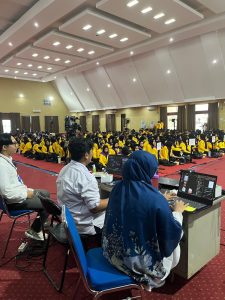
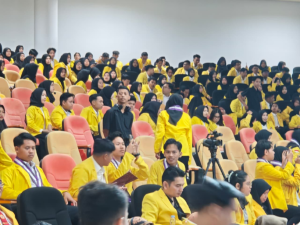
Pendampingan Kegiatan Pengenalan Lingkungan Kampus Mahasiswa Baru 2025.
Pada tanggal 11 hingga 15 Agustus 2025, Unit ICT melaksanakan...
Read More
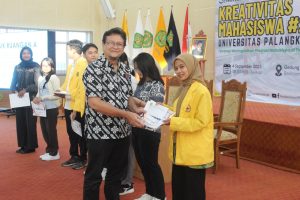
The Biology Education PKM Team of FKIP ULM Wins National Award, ICT FKIP ULM Presents Coverage of Achievements
Penyerahan Sertifikat Penghargaan (doc. Rena) Banjarmasin – The Social Humanities...
Read More
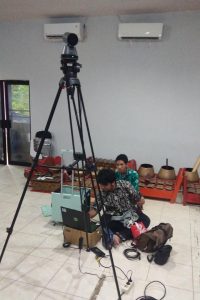
The ICT Team of FKIP ULM Supports the Smooth Running of the Solo Singer Competition with Professional Documentation
The Faculty of Teacher Training and Education (FKIP) ULM held...
Read More- All
- Creative Content
- Network Infrastructure
- Software Development
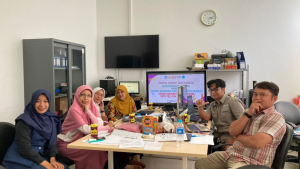
Simanja Development
Discusion development of public relation apps called simanja, or relation management system
Multimedia
Multimedia 2025 PKKMB Team oleh ICT ( M Naufal Yasir )
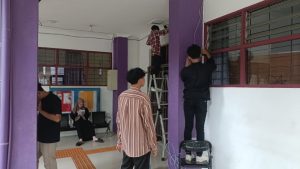
SahabatFKIP
SahabatFKIP Network Installation, ict provide internet for all academic community.
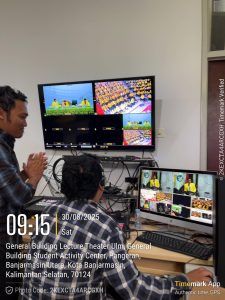
Multimedia and Operator
Event and Livestream Operator for FKIP Graduation, By ICT team
Video Cam Operator
Graduation Cam Operator, make livestream live.
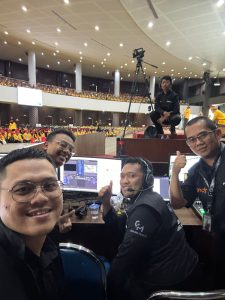
Multimedia
aThe event and live broadcast operator team Introduction to the campus environment for new students at the University event and live broadcast operator team Introduction to the campus environment for new students at the Universityy